> For the complete documentation index, see [llms.txt](https://docs.dmeet.org/llms.txt). Markdown versions of documentation pages are available by appending `.md` to page URLs; this page is available as [Markdown](https://docs.dmeet.org/calls-and-chats/direct-calls.md).
# Direct calls
Direct calls are one-on-one audio or video calls with another dMeet user. You don't need to create a meeting or share a link: call the person straight from their profile or your call history.
### Start a call
1. Open the person's profile, or find them in **Calls** or **Chats**.
2. Tap **Audio** or **Video**.
3. The other person gets an incoming call and can accept or decline.
To find someone new, search by their username in **Calls**. See [Contacts and history](https://docs.dmeet.org/calls-and-chats/contacts-and-history).
### Answer a call
When someone calls you in the browser, you see an incoming call screen. In the Android app, you get a notification. On iPhone, a dMeet call comes in on the regular iPhone call screen, like a phone call: tap **Accept** or **Decline**.
{% hint style="info" %}
On iPhone and Android, allow notifications for dMeet so you don't miss calls.
{% endhint %}
### Encryption
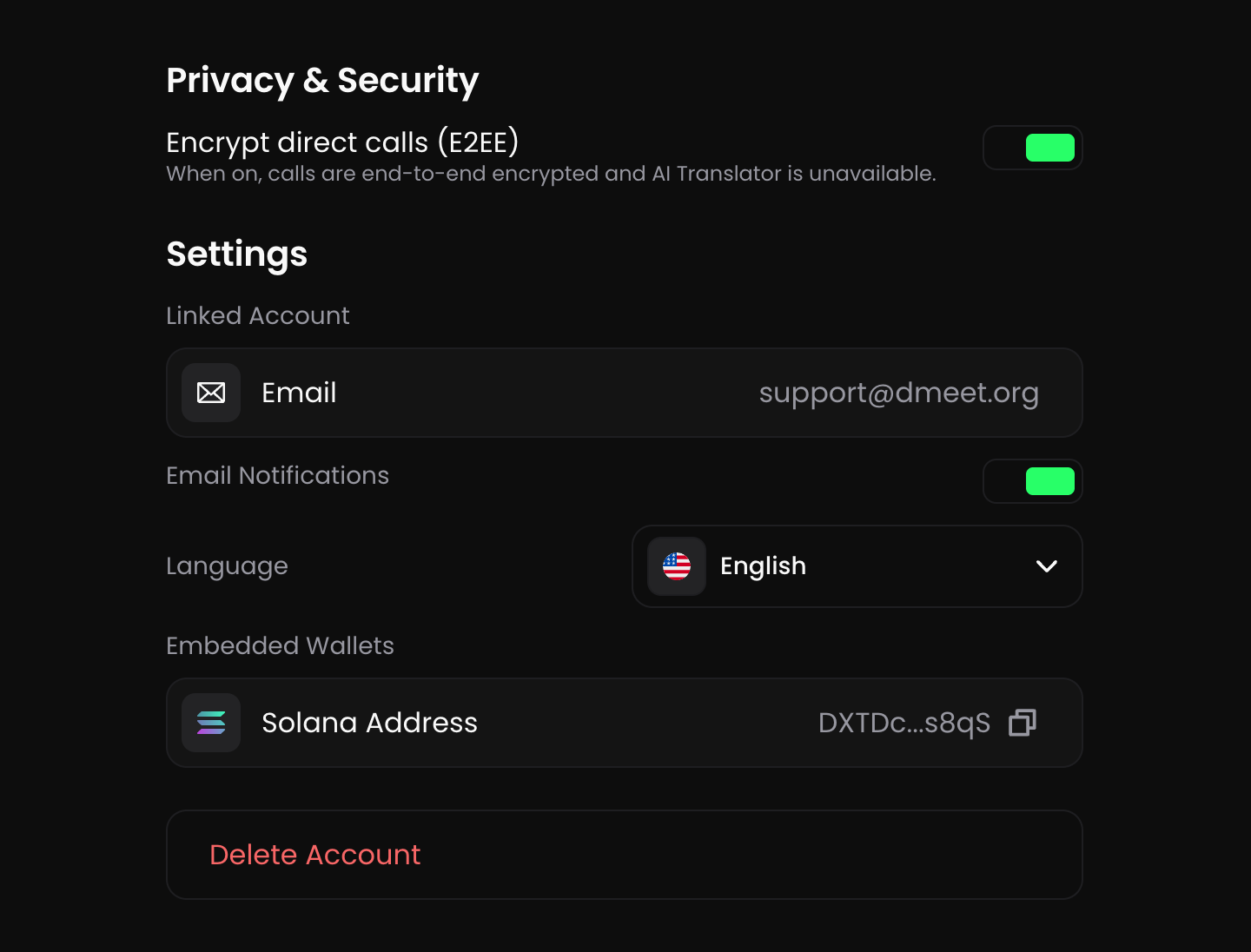
Direct calls are end-to-end encrypted by default. The switch is in **Settings → Privacy & Security → Encrypt direct calls (E2EE)**. If either person has it on, the call is end-to-end encrypted for both. Only you and the other person can hear and see the call.
Because the call is end-to-end encrypted, dMeet can't process it. In encrypted direct calls:
* AI Voice Translator isn't available
* AI Summary isn't available, and the call isn't added to AI Memory
* Recording isn't available
If you need these features, start a meeting instead. See [Start a meeting](https://docs.dmeet.org/meetings/start-a-meeting).
### Call length
Direct calls have no time limit on any plan.
### During a call
* Mute or unmute your microphone
* Turn your camera on or off
* Send a reaction
* Open the chat
* Tap ··· for more options
* Tap the AI button to ask AI Memory about your past meetings
* End the call
At the top of the call screen you see the call length, the call type and the **E2EE** badge when the call is end-to-end encrypted.
{% hint style="warning" %}
dMeet isn't a replacement for a phone and can't be used to call emergency services.
{% endhint %}